Termdock —
Ten terminals is not a workflow.
One window. Every project. Every AI tool. Every context — intact.

Currently available for macOS and Windows. Other platforms coming soon.
The Problem Is Obvious
You open a terminal. Then another. Then five more. Each disconnected, none aware of your projects. This is not a system — it's an accident.
Find Anything. In Seconds.
Point at any symbol across 13 languages. See where it's defined, who calls it, what depends on it. No grep. No guessing.
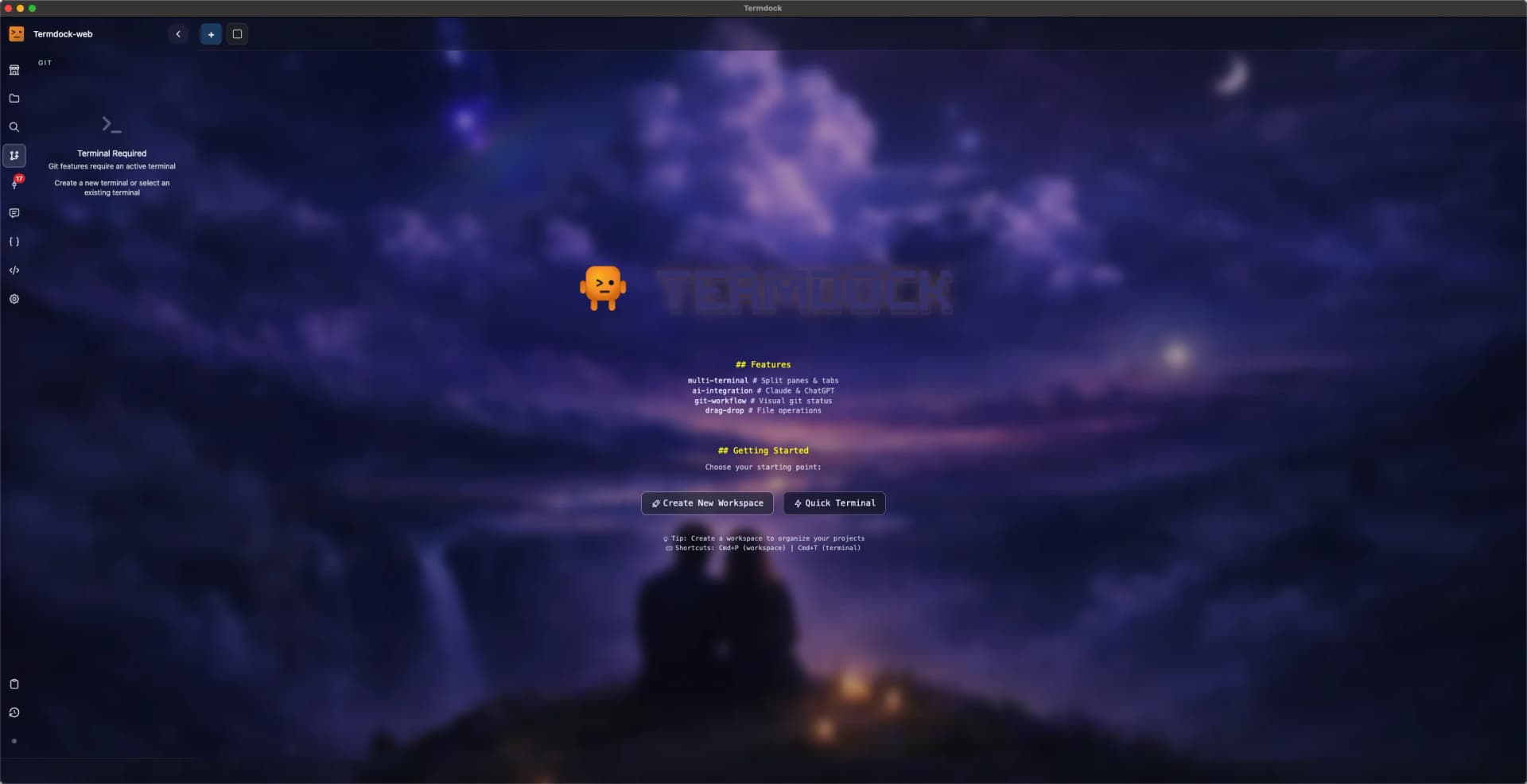
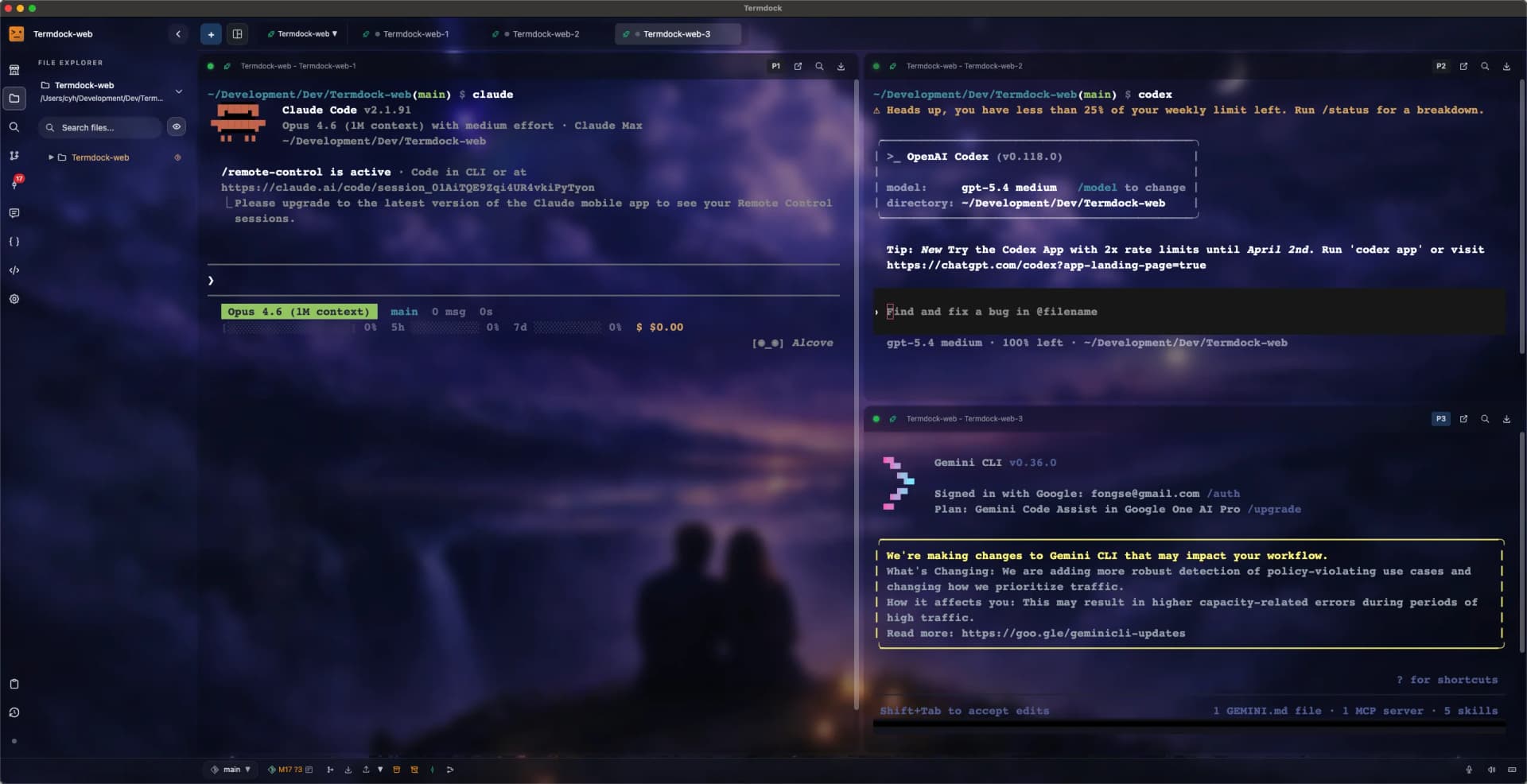
Four Terminals. One Screen. Zero Tab Switching.
Split your view any way you want. Run Docker, tests, logs, and your AI CLI — all visible, all at once. Drag files and images directly into any terminal.
Make It Yours.
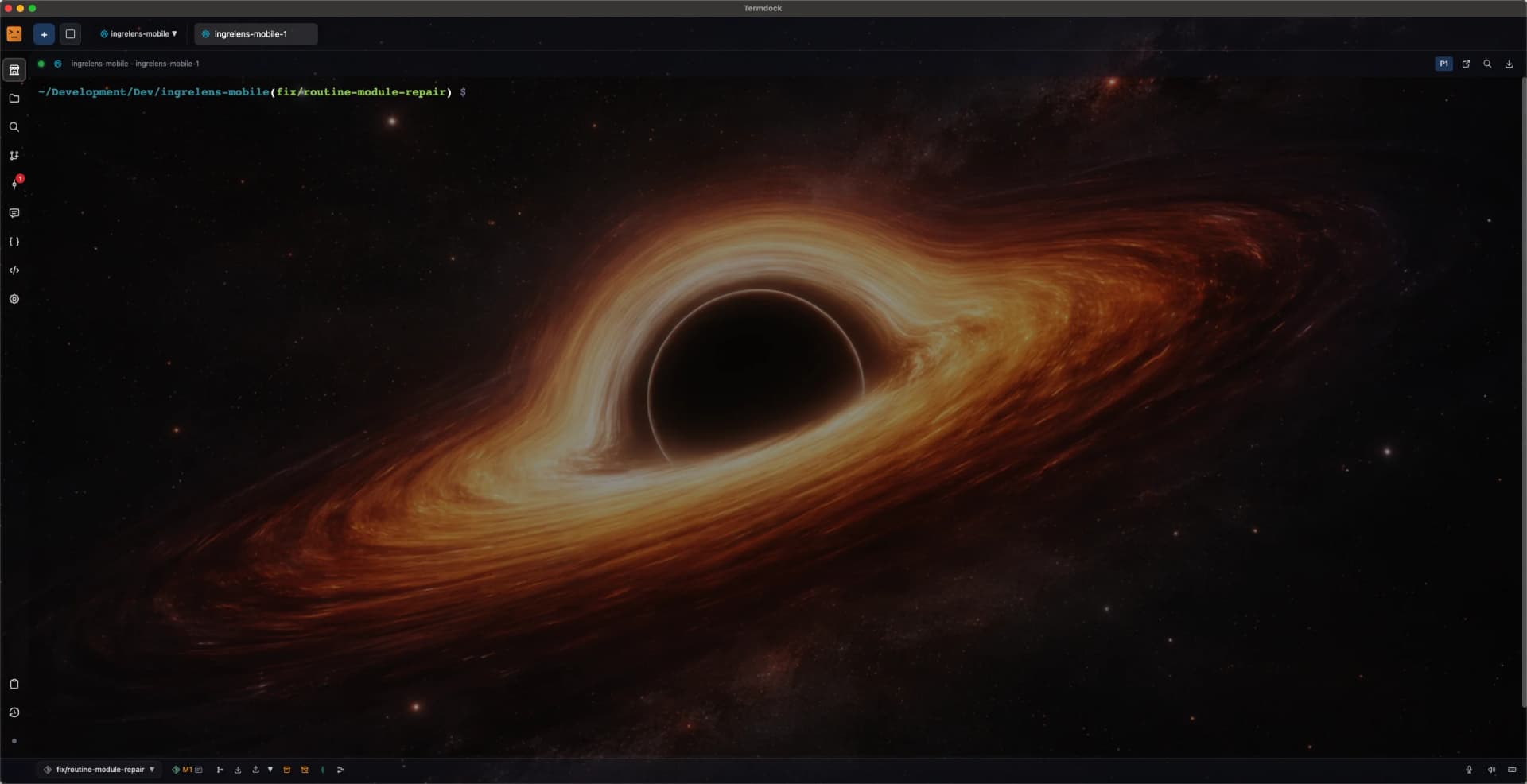
Dark mode. Light mode. Custom backgrounds. Multiple color schemes. You'll be staring at this for hours — it should look the way you want.
What's New in Termdock
v1.6.0 — Three things that matter.
Agent-Controlled Terminals
Local HTTP API lets AI agents create, control, and poll terminal sessions. Build automated workflows with cursor-based output streaming.
Remote Terminal via Discord & Telegram
Control your terminals from anywhere. Send commands, read output, watch for prompts, and take screenshots — all through bot commands.
Docs →Session Restore
Your terminal sessions survive app restarts. Every tab, every workspace, every context — automatically restored.
What It Actually Does
No adjectives. No promises. Capabilities.
Drag. Drop. Done.
Every CLIFiles, images, text — drag from anywhere into any terminal. Paths auto-detected, commands auto-completed. Less typing.
Ten Projects. One Window.
ContextEach project gets its own root, its own terminals, its own state. Switch between them without losing context.
See Everything at Once.
LayoutDocker, Redis, logs, tests — all running, all visible. Picture-in-picture keeps the important stuff in sight.
Prompts That Don't Get Lost.
TeamsSave, version, and share prompt templates across your team. Apply them to any terminal with one click.
Files Without the File Manager.
FilesBuilt-in file tree, preview, full-text search. Find what you need, open its terminal — one click.
Git, but Not the Point.
AuxiliaryBranches, tags, commits — visualized. Common operations, one click. Git supports the workflow; it doesn't dominate it.
What Developers Say
AST search with terminal workflow makes K8s config issues pinpointed in seconds. Way more accurate than grep.
File search & navigation in large projects is incredible. Terminal commands + one-click access = perfect workflow.
Arrastar e colar no CLI é perfeito. Comandos fragmentados também completam automaticamente o ambiente.
AST search with terminal workflow makes K8s config issues pinpointed in seconds. Way more accurate than grep.
File search & navigation in large projects is incredible. Terminal commands + one-click access = perfect workflow.
Arrastar e colar no CLI é perfeito. Comandos fragmentados também completam automaticamente o ambiente.
PiP機能でDocker、Redis、ログを同時表示。CIの問題が一目で分かります。
Finally escaped VS Code embedded terminal limitations. Multi-tool side-by-side in one interface.
Git visualization is just right. Common operations with one click, doesn't steal the terminal spotlight.
PiP機能でDocker、Redis、ログを同時表示。CIの問題が一目で分かります。
Finally escaped VS Code embedded terminal limitations. Multi-tool side-by-side in one interface.
Git visualization is just right. Common operations with one click, doesn't steal the terminal spotlight.
多工作區切換超順,side project 不再被環境切換打斷節奏。
Prompt 管理讓 code review 回饋一致,縮短協作磨合期。
多工作區切換超順,side project 不再被環境切換打斷節奏。
Prompt 管理讓 code review 回饋一致,縮短協作磨合期。
Les templates Prompt standardisent nos vérifications. Même les nouveaux peuvent suivre le processus.
npm, tester, loggar visas parallellt. Mindre tab-växling, direkt effektivitetsökning.
Les templates Prompt standardisent nos vérifications. Même les nouveaux peuvent suivre le processus.
npm, tester, loggar visas parallellt. Mindre tab-växling, direkt effektivitetsökning.
Free. Offline. No account needed.
The best way to evaluate a tool is to use it.