 Termdock
Agent-to-agent
Let Claude Code hand the review to Codex.
Agents can drive Termdock through its CLI and API: create another terminal, send a task, read its output and follow up. Use that connection to move from implementation to review without becoming the messenger.
- 01Claude Code · implement & delegate
- 02Codex · review & reply
- 03You · inspect the result
Before you start
- The CLI steps below use macOS: install termdock from Settings > Skills > Command Line Tool, then use the bundled terminal skill. Windows users can use the desktop and HTTP Terminal API; the one-click CLI installer is macOS-only.
- Install and sign in to Claude Code and Codex separately. Termdock does not include their model subscriptions.
- Start from a clean or committed Git state so the review has a clear baseline.
Give your agent the terminal controls
Start Claude Code in your project. The termdock CLI and bundled skill let it identify the workspace, create a terminal for Codex and inspect that terminal without switching windows yourself. Check the CLI is installed first.
termdock identify --json
termdock session list --jsonBound the implementation task
Tell Claude Code which behavior to change, which files it owns, what checks to run, and what it must not edit. Ask it to stop after producing a diff and a test summary. Parallel work is not permission for both agents to change the same files.
Ask for a real handoff, not a pasted answer
Tell Claude Code to open a Codex review session through Termdock, send it the requirement and diff location, follow its output, and report actionable findings. Keep Codex read-only for the review. The CLI/API connects the sessions; the handoff still needs a clear task and context.
Inspect, test, then decide
Review the diff in Termdock’s Git view. Send actionable findings back to the implementation agent, run the relevant tests again, and decide whether to commit. A second agent is another check, not a guarantee of correctness.
Know the limits
- Termdock does not automatically create a Git worktree per agent. Create worktrees yourself when tasks need isolated files.
- Do not let two agents write the same working tree at the same time without an explicit ownership plan.
- The walkthrough below shows workspace and terminal setup, not an automatically completed code review.
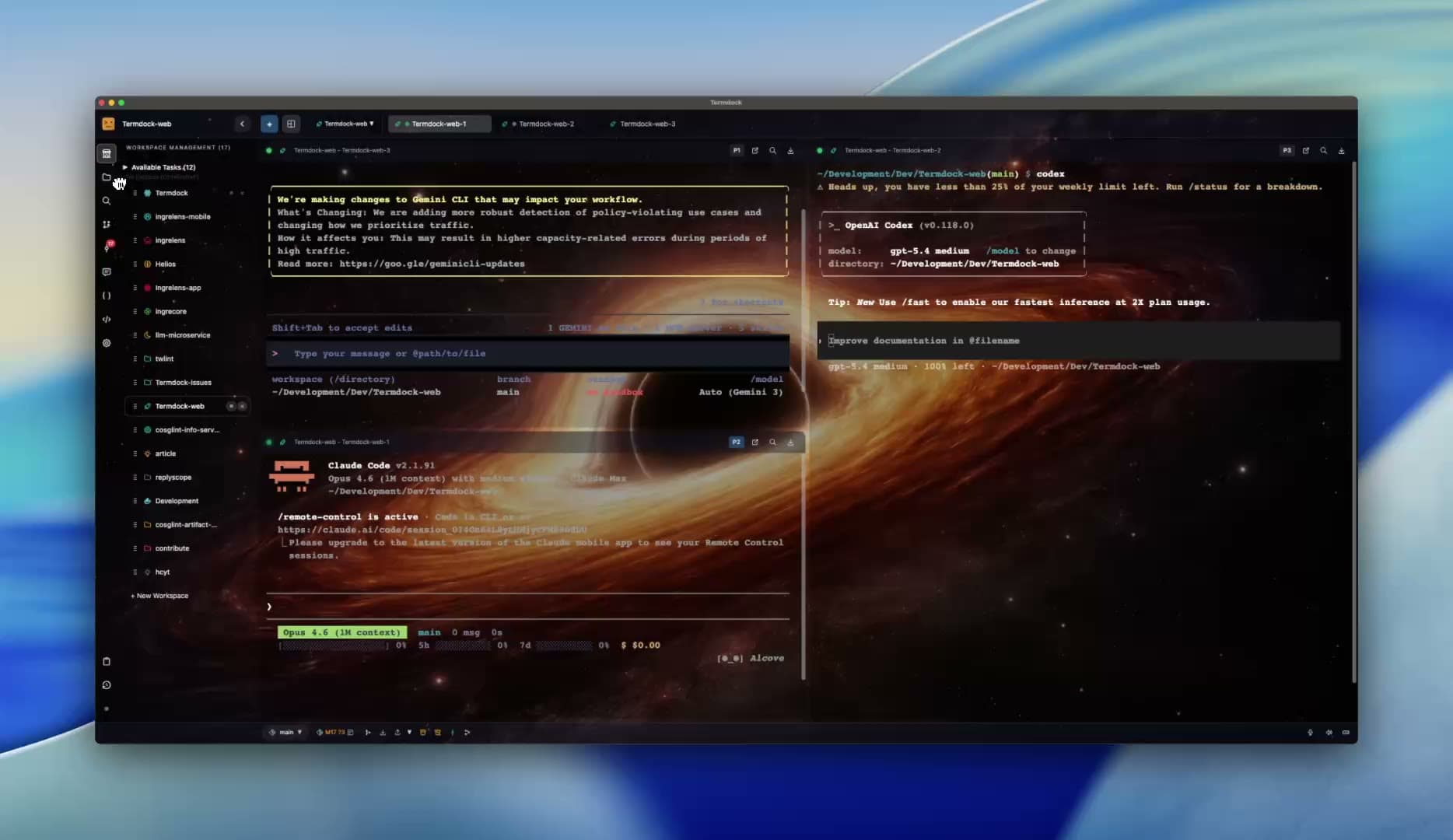
What you should end up with
One agent has delegated a review and collected the result. You retain the terminals, diff and test evidence to inspect before committing.